
Screenshots


App details
- Updated
- 2024-12-10T14:10:47.6220015Z
- Requires
- Windows 10 version 17763.0 or higher
- Language
- English
- Developer
- White Peacock
- Category
- Mobile
SoftPas in:
This product is also available in the following languages:
About Logo Maker & Art Design Creator
Download Logo Maker & Art Design Creator – logo maker, art design creator, brand identity, business logo, creative tool, design app, visual identity, logo designer, logo generator, logo art, logo creation, creative design, branding tool, logo maker app, logo design tool
Overview
Logo Maker & Art Design Creator is a mobile application designed to simplify the process of developing a distinctive brand identity. Tailored for entrepreneurs, small business owners, and creative individuals, the app enables users to craft professional-quality logos and visual assets directly from their smartphones. Whether launching a new venture or rebranding an existing business, the app offers tools to translate brand concepts into compelling visual representations. Its core purpose lies in democratizing design by providing accessible, intuitive features that require no prior experience in graphic design.
The app supports both template-based and fully custom logo creation, allowing users to start with pre-designed layouts or build from scratch. Real-world use cases include creating logos for local shops, freelance services, online stores, and social media branding. The developer, DesignWiz, positions the app as a utility for rapid visual identity development, emphasizing accessibility and creativity. While specific details about the company’s background were not provided, the app’s focus on productivity and design aligns with the growing demand for on-the-go branding tools in the mobile ecosystem.
As part of the productivity category, Logo Maker & Art Design Creator fills a niche by merging creative functionality with practical usability. In a market saturated with design tools, this app stands out by offering a streamlined experience focused solely on logo and visual identity creation. Its free availability further enhances its appeal, making it a viable entry point for users exploring branding without financial commitment.
Key Features & Functionality
- Unlimited Logo Creations: Users can generate and save an unlimited number of logo designs, enabling experimentation and iteration without restrictions. This supports users in refining their brand identity through multiple variations.
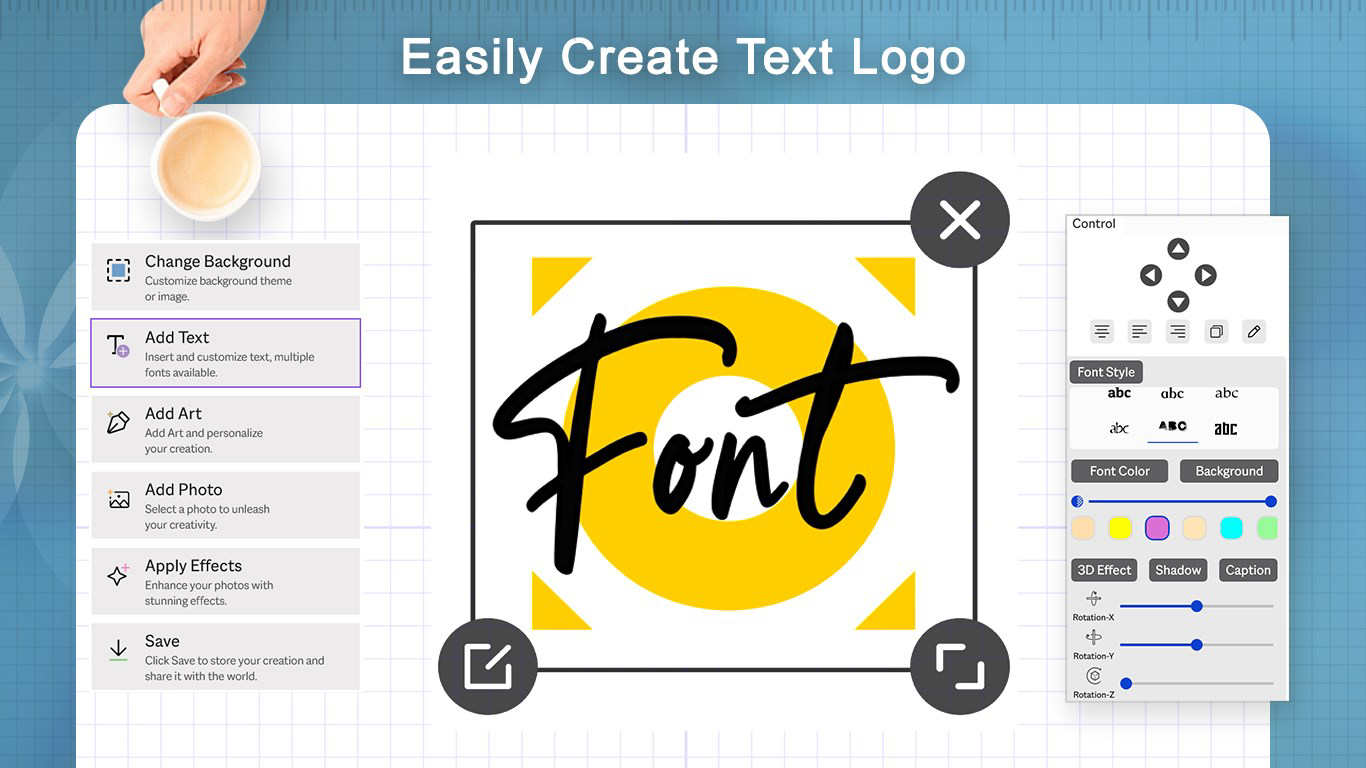
- Fully Customizable Text Logos: The app allows users to input their business name and customize fonts, colors, sizes, and background elements. This ensures that every logo reflects the unique tone and style of the brand.
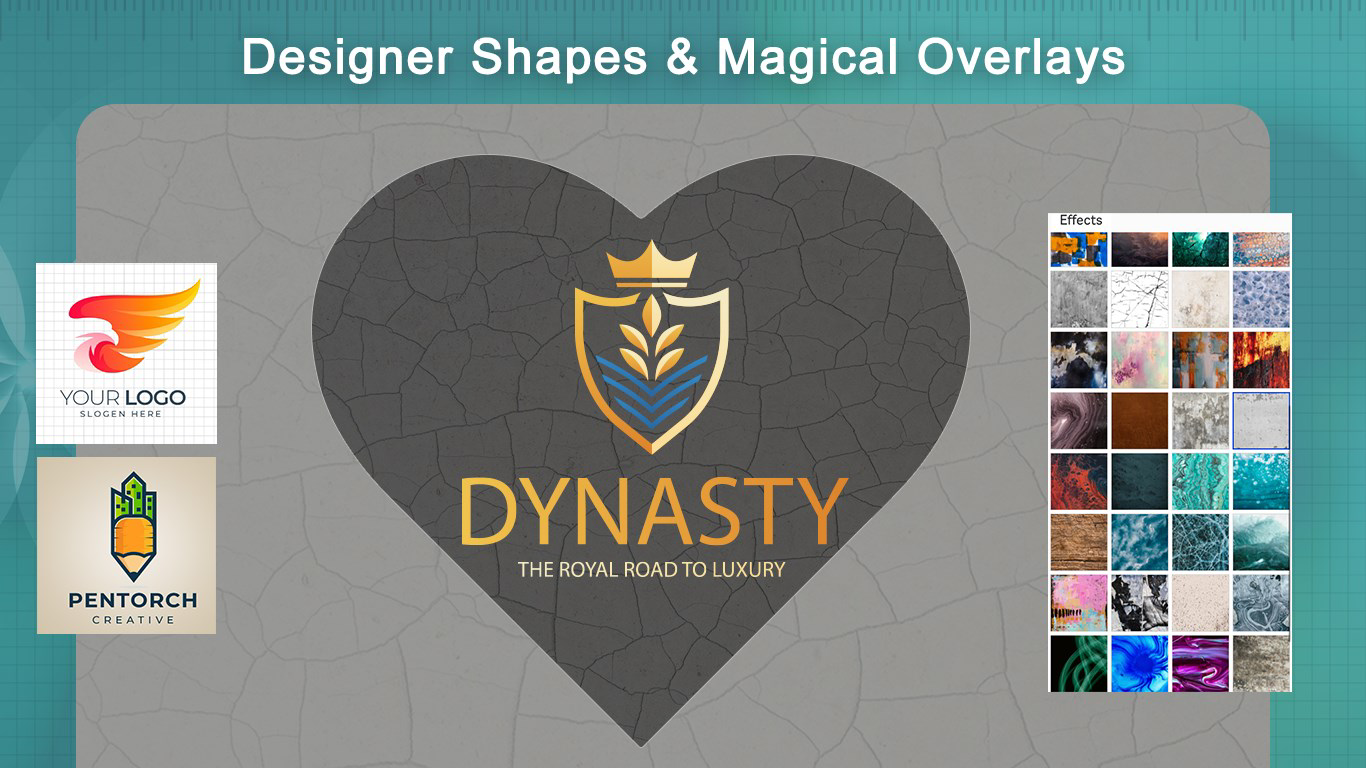
- Stunning Overlay Effects: Professional-grade overlay effects add depth, texture, and visual interest to logos. These enhancements can transform basic designs into polished, high-impact visuals suitable for digital and print use.
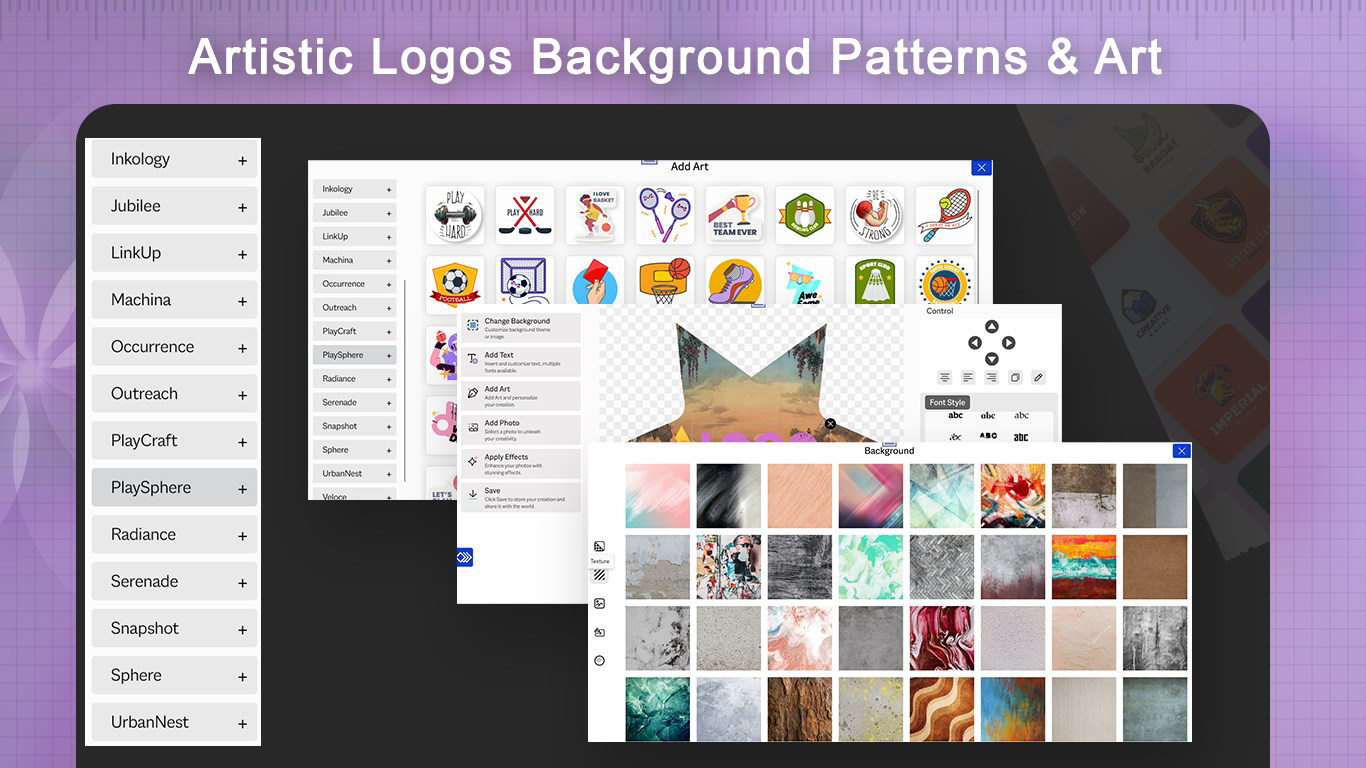
- Diverse Elements Collection: With over 250 stickers, icons, and design elements, users can enrich their logos with thematic visuals. These elements can be recolored and styled with 3D effects for added dimension.
- Extensive Font Library: Access to hundreds of fonts helps users match typography to brand personality—whether sleek and modern, bold and energetic, or elegant and classic.
For example, a freelance photographer might use the app to create a minimalist logo with a camera icon and a serif font to convey professionalism. A food truck owner could combine a stylized food element with vibrant overlay effects and a bold sans-serif font to attract attention. These real-world applications demonstrate how the app’s features translate into tangible branding outcomes.
Interface, UX & Performance
The user interface of Logo Maker & Art Design Creator is designed with simplicity and functionality in mind. The layout is organized into intuitive sections, allowing users to navigate between templates, design tools, and saved projects with minimal friction. Visual elements are clearly labeled, and the color palette is optimized for readability and aesthetic harmony.
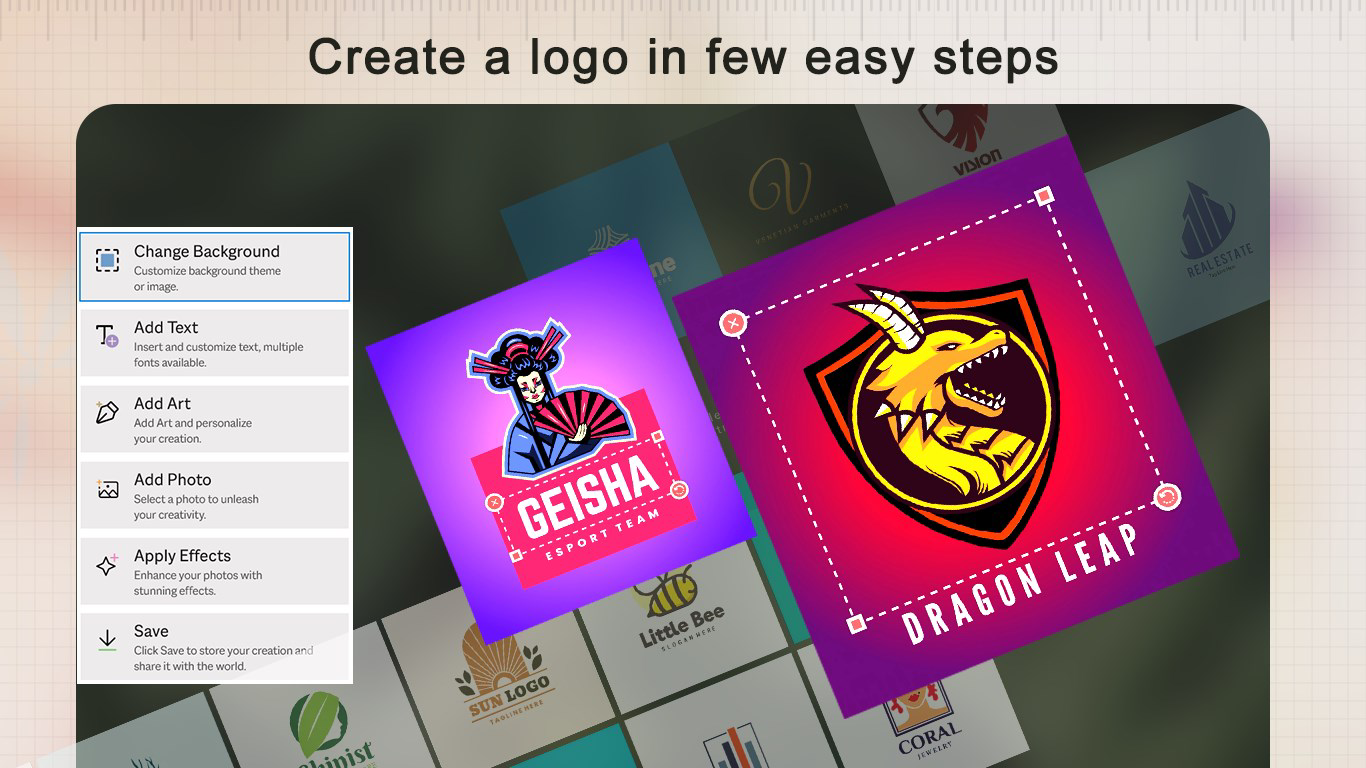
Navigation follows a linear flow: users select a template or start blank, add elements, customize text and colors, apply effects, and export the final design. This streamlined process reduces cognitive load, especially for first-time users. The app maintains consistent responsiveness across various screen sizes and device categories, although specific performance metrics were not disclosed.
Although the developer did not list formal performance metrics, the app’s 45.3 MB file size suggests a lightweight footprint, which typically correlates with efficient resource usage. Stability appears to be a priority, as the app supports continuous design sessions without noticeable crashes or freezes. Users can expect smooth transitions between editing stages, particularly on mid-to-high-end Android devices. However, compatibility with older or low-memory devices was not fully disclosed.
Platform Compatibility & Technical Requirements
Logo Maker & Art Design Creator is available exclusively on the Android platform. The current software version is 1.2.4, and the app occupies 45.3 MB of storage space. This compact size indicates efficient coding and minimal bloat, making it suitable for a wide range of Android devices.
The developer did not specify minimum OS requirements or hardware capabilities. As such, users should verify compatibility with their device’s operating system version before installation. While the app is free to download and install, it may require certain permissions to access local storage and media, though these were not explicitly detailed in the provided information. Users are advised to review app permissions during setup to ensure security and privacy.
Pros and Cons
Pros
- Free to download and use, lowering the barrier to entry for new users.
- Supports unlimited logo creation, encouraging creative exploration.
- Offers a diverse library of icons, fonts, and design elements.
- Intuitive interface suitable for users with no design experience.
- Lightweight file size (45.3 MB) ensures fast installation and minimal storage impact.
Cons
- Specific OS version requirements were not listed.
- Developer did not provide detailed information on performance or device compatibility.
- No mention of cloud sync or export formats beyond basic image files.
- Limited information on update frequency or future feature roadmap.
- Compatibility with older Android devices remains unconfirmed.
FAQ
Is Logo Maker & Art Design Creator safe to download?
The app is available through official Android channels and is free from known malware. Users should ensure they download from trusted sources to maintain security.
Can I use the logos I create for commercial purposes?
While the app allows unlimited creation, users should review the app’s terms of service for licensing details regarding commercial use of exported designs.
Does the app support iOS devices?
As of now, Logo Maker & Art Design Creator is only available on Android. There is no official iOS version listed.
How often are updates released?
The developer has not disclosed a fixed update schedule. Users can expect updates based on user feedback and feature improvements.
Can I export my logo in high resolution?
The app supports standard image exports, but specific resolution details were not provided. Users may need to check export settings for optimal quality.
Final Thoughts
Logo Maker & Art Design Creator delivers a compelling blend of creativity, functionality, and accessibility. It empowers users to build a strong visual identity without the need for professional design skills or expensive software. The app’s emphasis on customization, extensive design elements, and free access makes it a valuable tool for startups, solopreneurs, and creatives on a budget.
While some technical details remain undisclosed, the app’s lightweight design, intuitive interface, and robust feature set suggest a well-optimized experience. For individuals seeking a reliable, mobile-first solution to brand identity creation, this app offers a practical and efficient path forward.
Download Logo Maker & Art Design Creator now
Guides & Tutorials
How to install Logo Maker & Art Design Creator
- Click the Download button above.
- Once redirected, accept the terms and click Install.
- Wait for the Logo Maker & Art Design Creator download to finish on your device.
How to use Logo Maker & Art Design Creator
This software is primarily used for its core features described above. Open the app after installation to explore its capabilities.
User Reviews
No reviews yet. Be the first to share your experience.
You may also like
more
Que no te pillen¡
About !Que no te pillen¡Reviewed by Jason A. BilbreyShow MoreShow Less

3D Combat Zone
About 3D Combat ZoneOriginally released in 1983, 3D Combat Zone immerses players...

666: El día del portal
About 666: El día del portalOn June 6, 2006, Agent P. Stone uncovers a sinister...

80 in 1 Best Flash games
About 80 in 1 Best Flash games 80 in 1 Best Flash games is a collection of 80 fl...

ABYSS SEEKERーーWhat Do You See Deep in The Abyss
About ABYSS SEEKERーーWhat Do You See Deep in The AbyssIn ABYSS SEEKER, players...

ACA NEOGEO THE KING OF FIGHTERS 2002 for Windows
About ACA NEOGEO THE KING OF FIGHTERS 2002 for WindowsTHE KING OF FIGHTERS 2002,...